Flint Hills Discovery Center

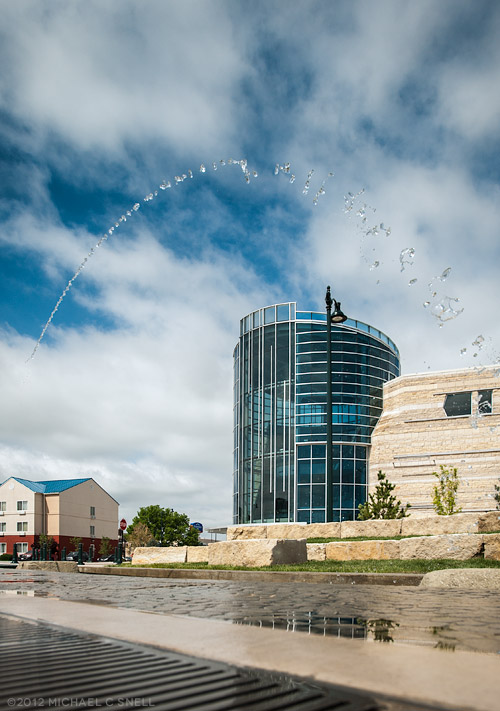
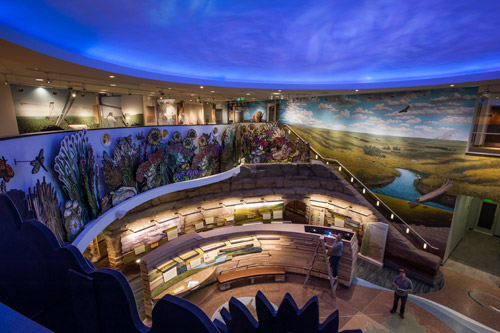
As members of the media, we were given a sneak peak of the new Flint Hills Discovery Center in Manhattan, Kansas on Thursday morning. The area’s tallgrass prairies are often taken for granted so this is a welcome addition to the scenic byway, Tallgrass Prairie National Preserve and scenic overlooks that have brought more understanding of this vast natural resource over the past few years. The Flint Hills have long been a favorite region of mine and many other Kansans, and now it’s great to have a place to point people to where they can learn more about what makes them so unique and special.


Above: Techs fine-tuning the ceiling projectors in the lobby of the new Flint Hills Discovery Center.

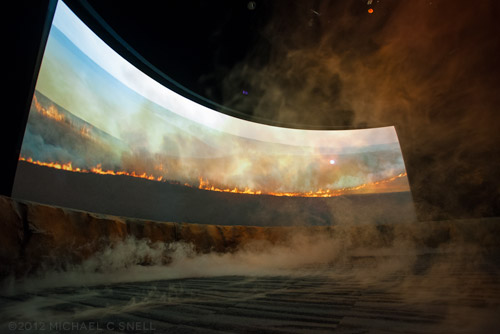
The opening of the Flint Hills Discovery Center is set for April 14th. While you’re there, be sure to check out the film in triple-wide high definition. The addition of breezes and fog put you right in the hills during the Spring burning scenes:

Wind power

It seems like so much that I shoot lately can’t be posted to this blog right away because I need to wait until the images have appeared in the magazines that assigned me. I have lots of fun stuff to show — it will just have to wait. Some should be opening up soon, however, so hold tight.

Last week was a fun assignment that wasn’t for a publication so I can talk a little about it. I spent three days shooting wind farms, turbine plants and holding yards for the Kansas Department of Commerce. These are the kinds of assignments that make me love my job. Being a photographer opens up worlds that you’d never know about otherwise. Seeing how these giant windmills are built, transported and erected was fascinating. The sheer size is hard to comprehend — even when seeing the finished turbine in a field. It’s when you walk around the various parts and components as they wait to be assembled that you realize just how massive they really are.

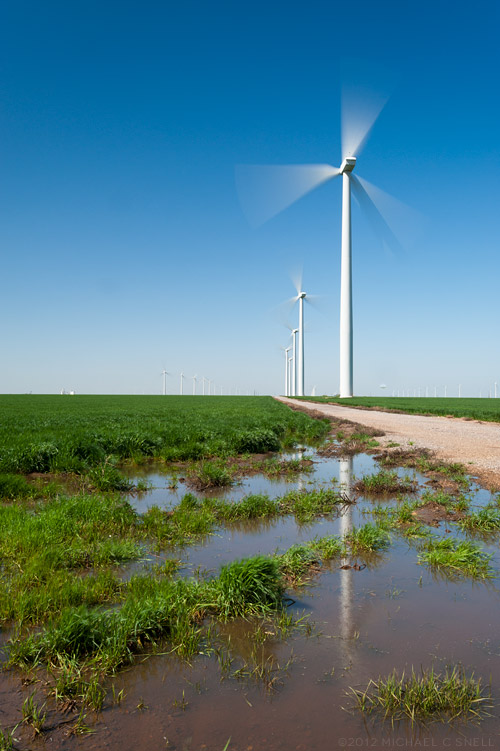
The shot above was taken at a new wind farm being built near Spearville, Kansas. The sky was deep enough blue that I thought I might be able to get a little blur on the blades by using my ND filter. At faster shutter speeds, the blades are crisp and you can’t tell whether they are turning or not. A little blur seemed important for showing the turbines in action and in speaking to the energy that they create. In the end, I stacked both my ND filter and my polarizer on my 17-35 in order to cut out enough light to lower the shutter speed down to 0.4 seconds. Just enough to do the trick.

I’ll have more from this shoot in the coming days.

Photoshop CS6 public beta

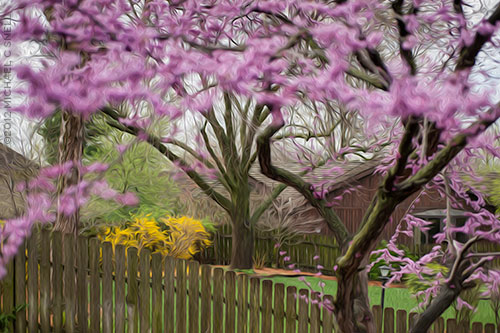
Just to further distract me (and yes, I’m sure that it is all about me), Adobe has released a public beta version of the new Photoshop CS6. How could I not download it and how could I not wasted endless hours checking it out? Happily I had some real work that I could use it for… which I did… and then I started playing around with the fun stuff. Lo and behold, who knew there was a new Oil Paint filter? I had to give that a go and the result is what you see above — a stylized and slightly Tim Burton-esque view of the redbud tree blooming in my backyard. It’s probably a little hard to make out all of the paint effects at this size but, trust me, there’s some cool stuff going on in there. This warrants further investigation.

So far I’m less impressed with the new Content-Aware Move Tool, but I also found an additional set of controls for it that may make me change my mind. Chalk today up to one, big productivity loss… I mean… professional development opportunity.

Roaming the rooftops

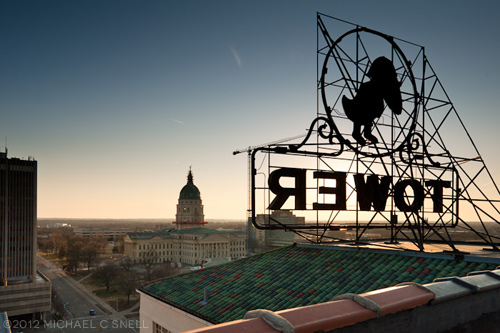
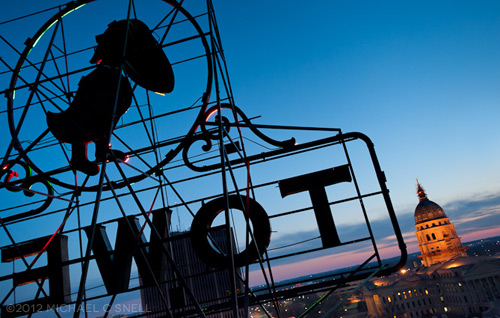
If there’s one thing I love, it’s getting access to a new vantage point and finding a new angle on a familiar photo subject. Having lived in Topeka, Kansas, for a much of my life, there are a lot of familiar subjects around but not that many new angles. So when my friend Doug Stremel mentioned that he and fellow Gizmo guy, Jeff Carson, were heading up to the top of the old Jayhawk Tower Hotel building the other night, I made sure I got myself invited along.

I grew up seeing those neon Jayhawks glowing over downtown Topeka. Next to the Capitol building itself, the twin birds might be most recognizable elements of the Topeka skyline. I’ve been in the building many times — way back when it was a hotel and more recently after its conversion to offices — but I’d never been on the roof before.

All-in-all, it was a great night. It’s always fun to hang around with Doug and Jeff but this was a particularly special evening. Thanks to them for letting me tag along and I hope to shoot with you both again soon. Or just drink beer. I’m pretty flexible. Thanks, too, to the folks at the Jayhawk Tower for letting us on their roof.

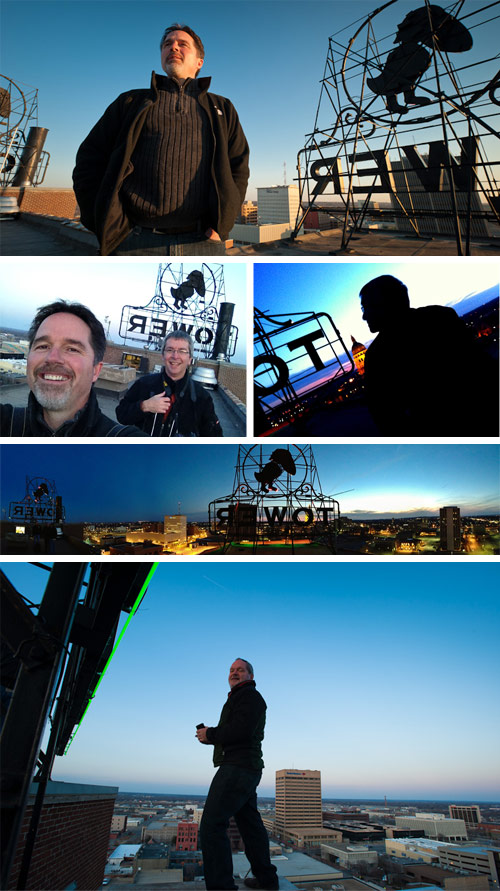
Here are a few behind-the-scenes shots — some are mine, others are courtesy of Jeff and Doug, the Gizmo guys:

New website launched today

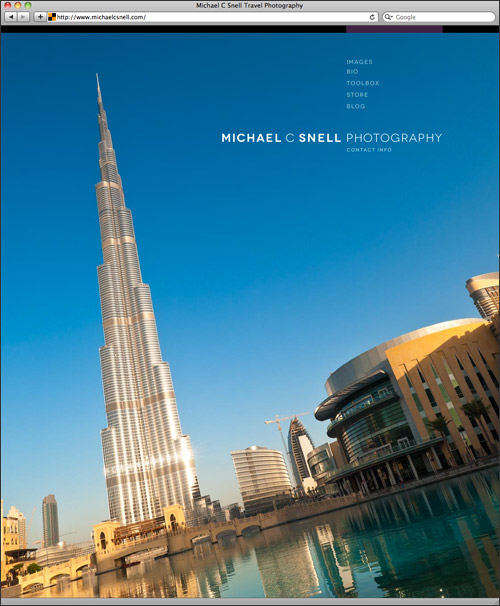
The lack of recent posts has been, in large part, due to the fact that I’ve been rebuilding my website at www.michaelcsnell.com from the ground up. Not only is it a total redesign with expanded and updated galleries, it’s also the beginning of a new effort to have tutorial content, books and other products on the site.

For a long time my website has been a fairly static portfolio site. Now I want to push it in a more dynamic direction where I can expand on some of the things I do here on the blog. The portfolio will still be there — and more robust — but I’m really excited about the addition of two new sections of the site: the Toolbox and the Store.

The Toolbox will be my place to share tips and tutorials. I’ve started with the obligatory “What’s in my bag?” article but plan to add many more on photography, post-processing, workflow, etc. I’ll wait until CS6 and LR4 are officially released but there might be some Photoshop actions and Lightroom presets on their way, too. So much to do, so little time, but it will be fun to see where all of this leads.

The Store is where I’ll be launching several lines of books and maybe a few other surprises. The first books I’ll focus on are what I’m calling “The Journals of a Travel Photographer” series. These will essentially be “scrapbooks” of the images I’ve made during specific trips, whether it was a weekend in St. Louis or two weeks in Thailand. I’m also planning a series of “how to” books (or possibly e-books so that they can be a bit more dynamic) and there are ideas bouncing around for a few art books, too. I’ll announce it here on the blog when new books become available but I’ve also put links on the site where you can sign up to be put on our e-mailing list for new product announcements.

There’s more info about all of this on the site. Check it out — and sorry if there are still a few bugs in the system. It just launched a few hours ago and it’s definitely in a “phase one” state. Much, much more to come…

Lightroom 4 beta in the real world

I had an architectural interior shoot this week that provided me the perfect opportunity to put the Lightroom 4 beta through its paces in a real-world situation. Much as I would love to move my entire collection over to LR4 right now, it is still only in beta. The prudent thing is to wait until the official release and, in the meantime, just test some duplicated files that don’t risk anything if there is a problem. But this was an isolated shoot that I could easily break out of my catalog and wouldn’t cause any real harm — even if I ended up having to reprocess it entirely at some point down the road.

As I’ve mentioned before, there is some relearning to be done between LR3 and LR4. There were a few times that I found myself moving the black slider to the right, expecting my blacks to get darker and momentarily being surprised to see them get lighter. When I think about it rationally, though, it does make more sense having all the main develop sliders zeroed out at their centers so that they all react the same way when moved right or left. After an hour or so, it was all feeling very natural and I imagine I’ll be messing up in reverse when I go back to Lightroom 3 now.

A few things really stood out to me in this experiment. First, Lightroom 4 beta just seems to handle major adjustments much better than previous versions. I was able to pull highlights back much further than it seemed I could before, and the result looked more natural. The situation I was shooting in was extremely contrasty. It was a fairly dimly lit interior and outside there was a thin layer of clouds that gave the sky that intense white that is always difficult to hold. Because of this, I was shooting 3 to 5 images bracketed, thinking that I’d most likely have to use some HDR techniques to keep detail in both the sky and the darker areas of the interior. As it turned out, I was able to manipulate the middle image of the bracket alone — in every case — using only Lightroom’s exposure, highlights and shadows sliders. I never had to resort to using the under- and over-exposed versions to make an HDR image.

Another feature of the Lightroom 4 beta that I found extremely useful was the ability to adjust the white balance of graduated and spot adjustments. Take the photo above — the left side was a darkish, tungsten-lit interior that was very warm. The light coming in through the windows at the right was very cold due to the cloud cover. The result was an image that shifted drastically from warm tones on the left to much cooler tones on the right. By adding a graduated adjustment on the right that had a warmer white balance, I was easily able to even the scene out.

I’m already totally invested in this new version of Lightroom and am eagerly looking forward to its full release. The new processing engine alone is worth the cost of an upgrade to me and the new features will be a fantastic bonus.

Re-learning to ride a bike

Things generally slow down for me around the holidays and it takes a while for business to get back up to speed again afterwards. That pattern works well for me. I like to take that “quiet time” to re-focus on the coming year and to catch up on in-house activities like self promotion, learning new skills, etc. There’s more of that than usual going on this year, but one unexpected addition came along earlier this month when Adobe released a public beta of Lightroom 4.

There are plenty of Lightroom 4 reviews and introductory videos online already (like Julieanne Kost’s video overviews here) so I won’t go into detail at this point. I’ll do some deeper reporting once the final version comes out as some changes may still occur prior to that launch. For now, I’ll just mention some overall thoughts I’ve had as I have begun to explore the new interface.

And there are some significant changes to the interface — especially to the Develop Module’s Basic panel:
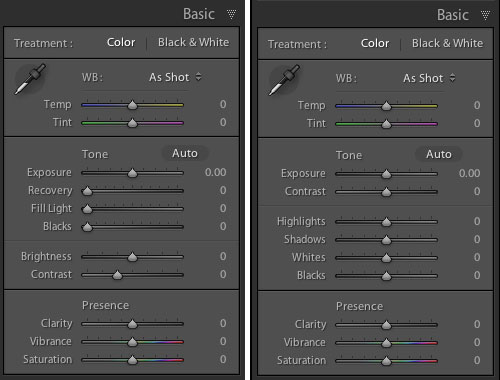
That’s Lightroom 3’s panel on the left and beta 4 on the right. As you can see, the Recovery, Fill Light, Blacks and Brightness sliders have become Highlights, Shadows, Whites and Blacks. Everything has now been reconfigured to be zeroed out in the center of the slider now as well. My initial reaction to this was not very positive. I thought that this might have been yet another attempt by a software developer to make something “simpler” that actually removed some functionality. I’m not sure that’s the case here, though. Yes, things work differently, but I haven’t found anything missing. Nothing that I could do before but can’t do now. Some things, like adjusting the brightness of mid-range values, might just need a different approach now. In that instance, I find my self adjusting the Curve panel in place of using the old Brightness slider. Key here will be to remain flexible in your workflow and not to get hung up on the way you used to do things.

It’s early days and the whole point of these public beta releases are to generate user comments so that the final product can continue to be tweaked. With that in mind, I’m reserving some judgment at this point but I will mention anything interesting I stumble across as I continue to explore beta 4. I am very excited that Lightroom now handles video files and hope to work more with that in the near future. The Book Module also looks interesting, although I imagine I will continue to develop books in InDesign where there is more typographic control. I don’t need one program to do everything and would prefer that Lightroom stay focused on image processing and cataloging.
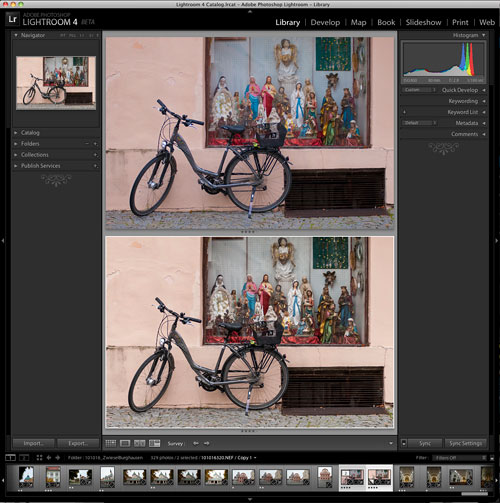
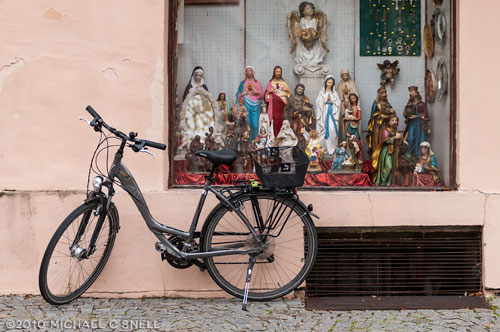
So far, my Lightroom 4 testing has amounted to importing a couple of duplicated folders from my Lightroom 3 catalog and playing with a few “trouble” images to see if 4 solves any shortcomings of 3. The bike shot at the top of this post is one that didn’t really have major problems, but I thought it might be worth exploring again. First I brought it into Lightroom 4, created a virtual copy (so that I could later compare it to the original 3-rendered version) and did the auto-conversion to the new 2012 process version. In this case, I found that 4 rendered the image a little flatter than 3 had. Next I zeroed everything out and started from scratch, processing the image more or less from top to bottom through the various Develop panels.

In the end, I felt like the 4 version had a little more snap. You can see the two in a comparison window in the screenshot above. Lightroom 3’s version is on top and beta 4 is on the bottom. Is the extra snap due to Lightroom 4? Maybe. But I also know that I can process the same image on two different days and get two different results. Every decision is subjective and there are few right and wrong answers when processing your images. I may have just been looking for a little more contrast today, whereas it was closer to the date of the shoot when I processed this image in Lightroom 3 and I might have been trying to more realistically portray the grey, rainy day as it was fresher in my mind at the time.

The real differences will come as I explore more images with huge contrast ranges or massive highlight issues. I think that’s where the new processing power of Lightroom 4 will really shine. I’ll be sure to share examples as I find them.
Year in Review: 2011

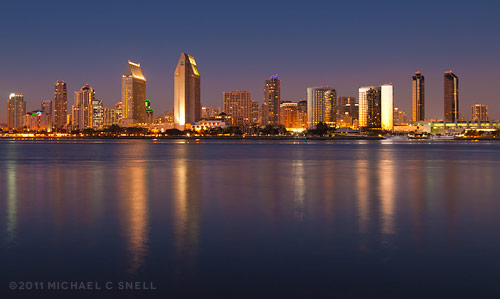
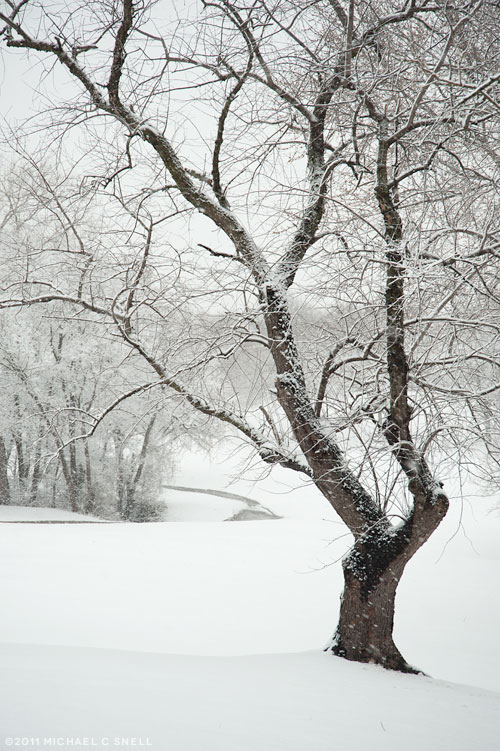
Travel started earlier than usual for me in 2011 with a short trip to San Diego in January. The warm weather was welcome as we were having one of our snowiest years on record back home:

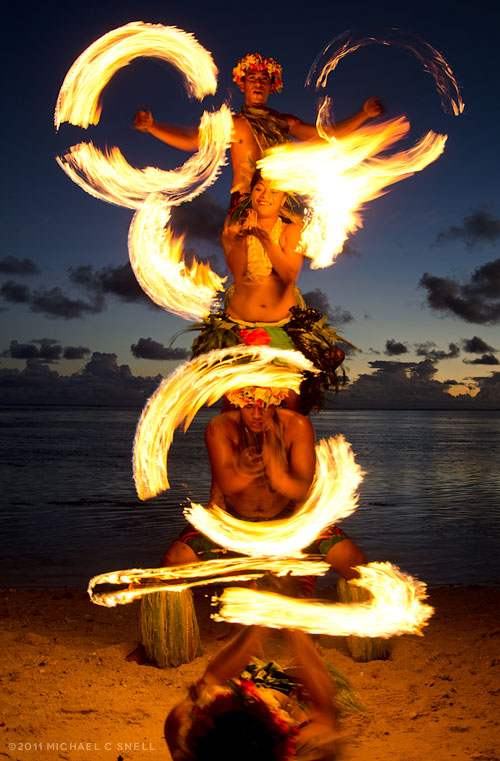
In early April, I escaped the cold once more for a couple of weeks in Fiji. I was there for a Society of American Travel Writers Freelance Council meeting. It was my last year as Chair of the Freelance Council and Fiji would be the last Council meeting under my term. It was a great meeting and a wonderful destination. One of my favorite memories was an evening on the beach with a bunch of fire dancers. There’s not much that’s more fun to shoot than people spinning burning torches on a beach at sunset. If you haven’t tried it, take my word for it.

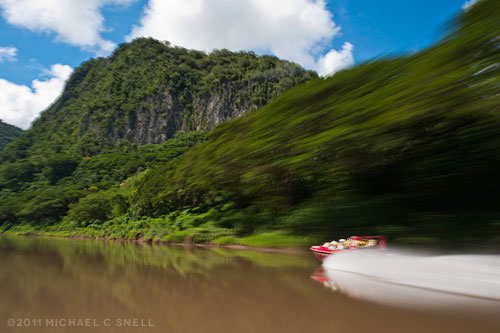
It was very warm in Fiji — even without the fire. A jet boat trip up the Sigatoka River was the only time I remember actually feeling chilly:

If those cliffs look familiar, I was told that some of the scenery for Avatar was shot in that area.

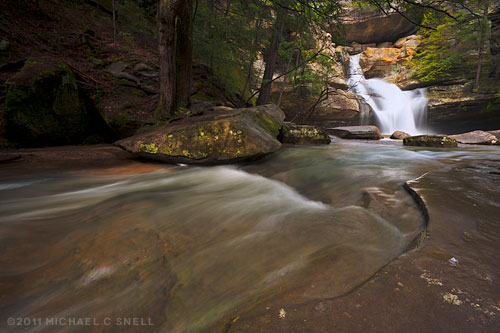
I wasn’t back in the states for more than a week before driving to Ohio for a couple of stories. I made sure to schedule in another trip to Hocking Hills to try and get some waterfall shots. The last time I’d tried, it was an unusually dry season and it was like the tap had been turned off. Much better results this year.

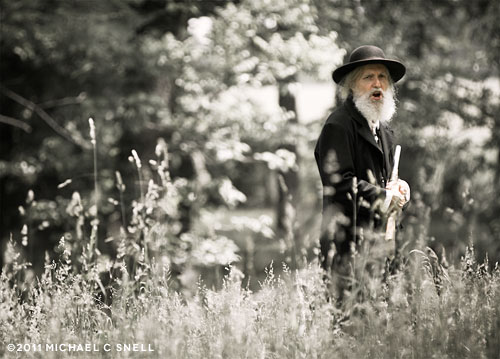
Back home in June, I managed to photograph a few Kansas events that had eluded me for years. One was the Symphony in the Flint Hills (which is just as amazing as it sounds — an orchestra playing out in the middle of acres and acres of tallgrass prairie and rolling hills) and the reenactment of the Battle of Black Jack. Here’s a shot of “John Brown” from that day:

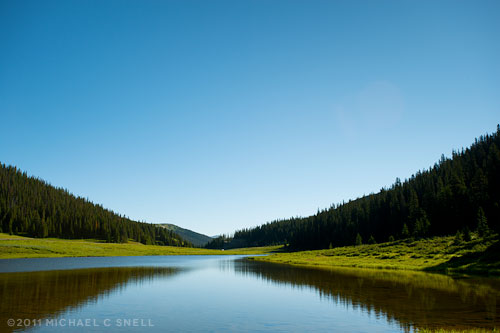
A trip to Colorado and over the Continental Divide followed. Here’s a lake that sits nearly on the Divide at Milner’s Pass, elevation 10,759 feet:

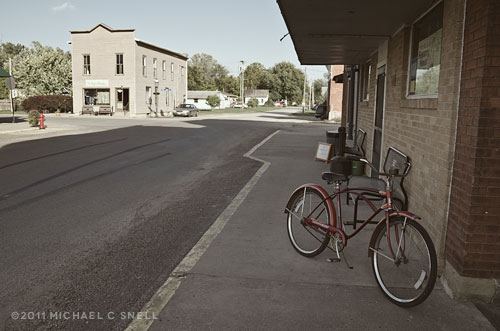
Quite a few regional shoots followed which I’ll share later after the stories have run. In September, we were on the road again making a big loop through southeastern Iowa:

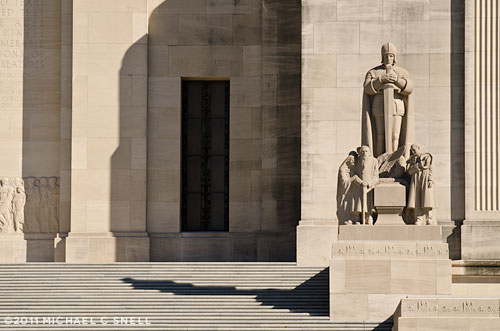
and down the Mississippi to Baton Rouge, Louisiana. Here’s a shot of the Louisiana State Capitol:

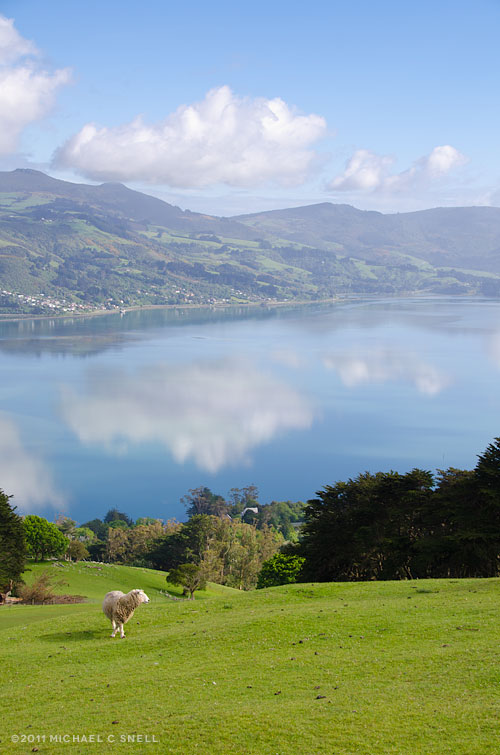
Rounding out the year in November was one more trip over the Pacific, across the equator and the International Dateline to New Zealand. This was SATW’s Annual Convention and I officially ended my term as Chair of the Freelance Council and became the much less encumbered Immediate Past Chair. I truly enjoyed my two years in office and serving on the Society’s Board of Directors but it will also be good to step away for a bit and re-focus on my photography business. The New Zealand Convention was great and I especially loved the four days I spent afterward exploring the Southland from Dunedin down to Stewart Island. Here’s one from the Otago Peninsula near Dunedin:

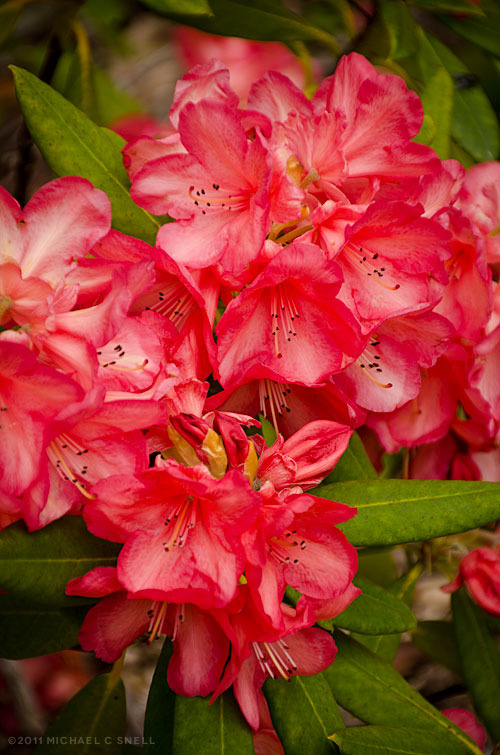
And I’ll leave you with flowers that were blooming in Queens Park in Invercargill, NZ. It’s not bad to end a year with a second season of Spring:

Ulva Island details, New Zealand

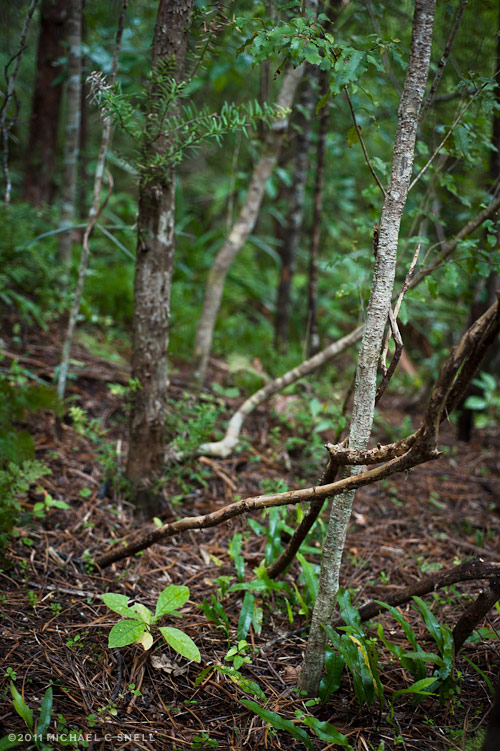
Happy New Year, everyone! I’m wrapping up my New Zealand posts with some details from the Ulva Island hike I wrote about in my last post. Some more New Zealand shots may appear later on, but I think I should shake things up for a little variety around here. I’ve been spending the holidays working on revamping my website and that has also had me exploring the archives, looking for photos to feature. I found some oldies but goodies that I plan on sharing during the next few months, since I don’t have much travel on the schedule for a while. Of course, I’ll also let you know when the new site launches. Stay tuned…

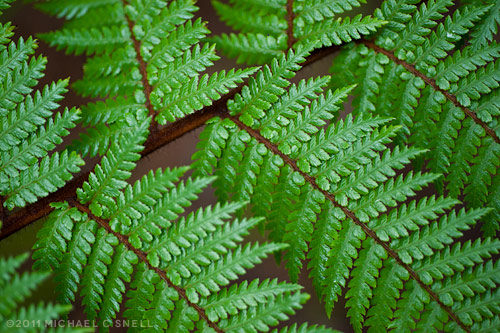
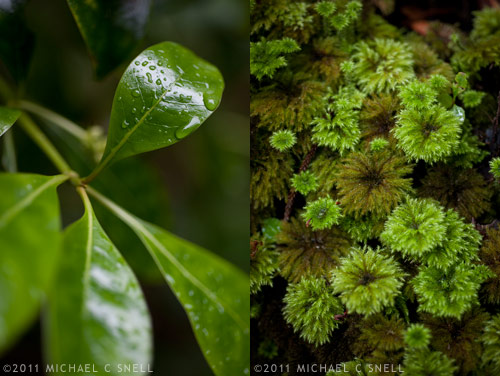
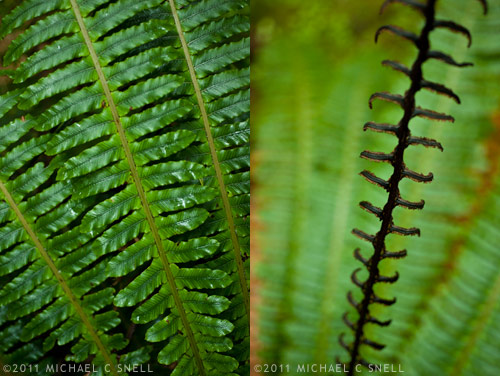
So, back to Ulva Island and the walk in the rain. The light was actually quite beautiful and the colors were lush. I decided to go macro for most of my shots that day to focus on details and textures and to take advantage of the water droplets and sheen caused by the misting rain. I also wanted to take advantage of the shallow depth of field provided by my 60mm f/2.8 to isolate individual plants and leaves from the distracting background branches, etc.


Sometimes I think that a series of tight little shots like this convey more about a place than one wide shot that tries to take it all in at once.